
Infographics in a Bento Grid
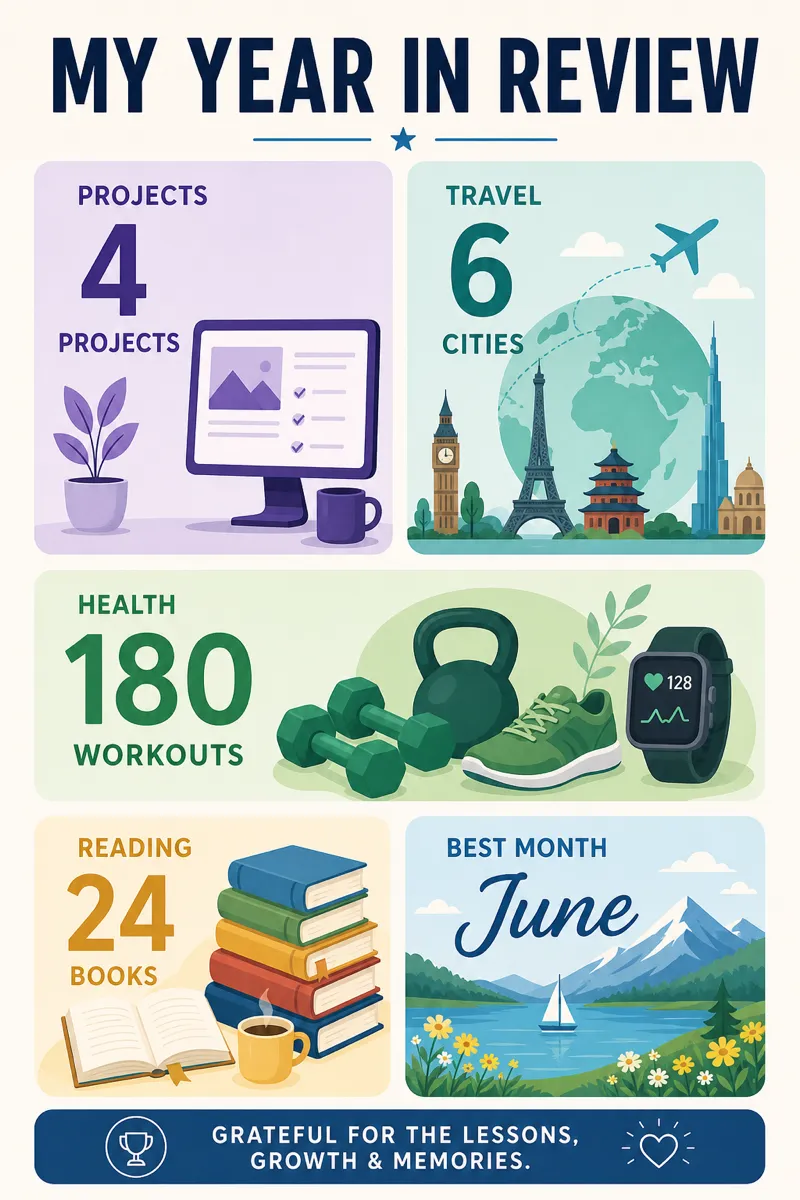
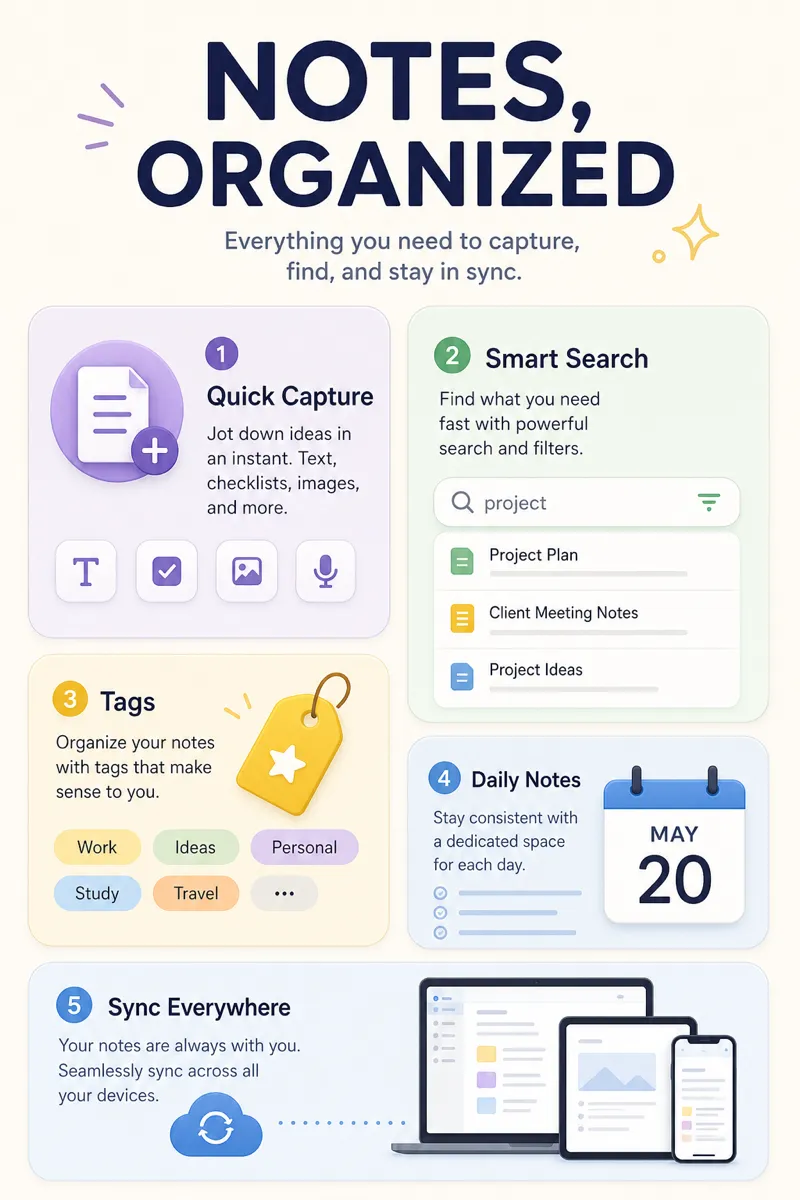
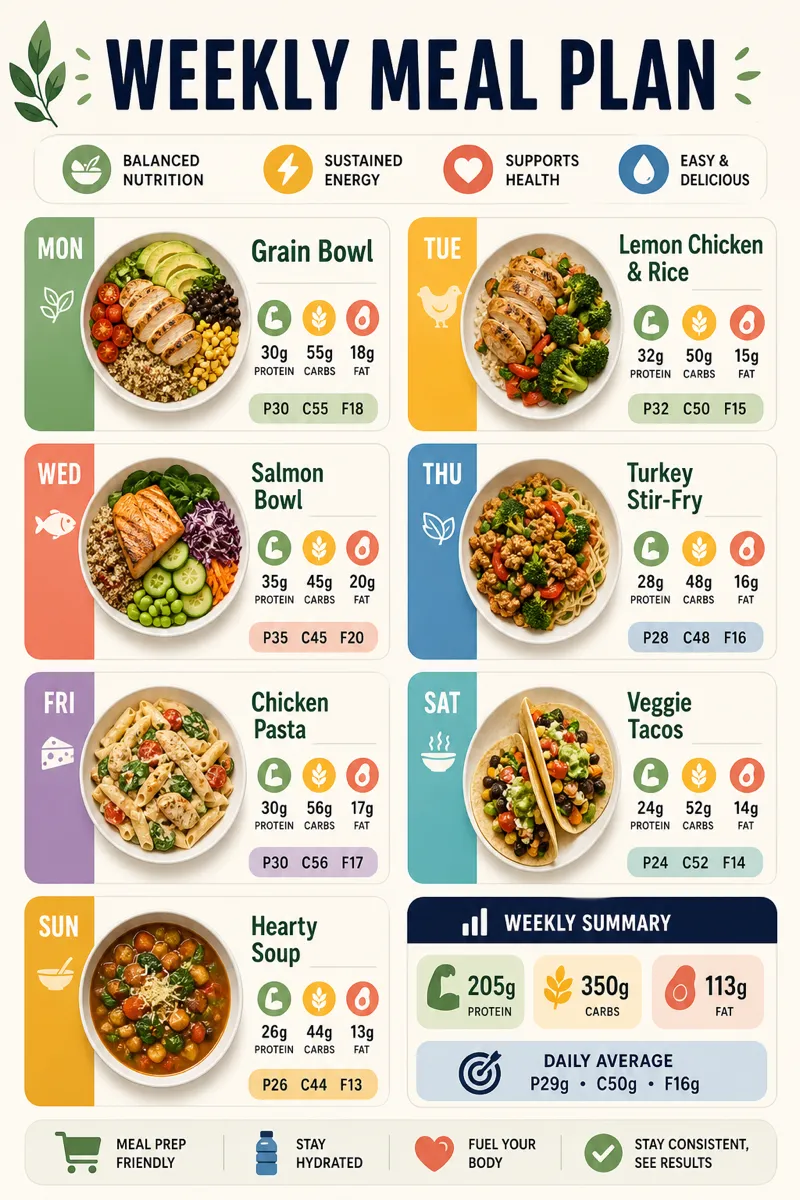
Create a bento-grid infographic — rounded cards of varying sizes on a soft background — from a prompt in about a minute.
Sign in, new accounts get 10 free credits.
Made with this style
How it works
Start from a text prompt, choose the shape and style, and generate a complete infographic. Then ask for specific changes to the wording, colors, or layout until the result is ready to use.
- 01
Describe
Write what you want in plain language — the topic, the facts, the vibe.
- 02
Generate
Get a polished infographic in about a minute, in the aspect ratio you picked.
- 03
Refine
Change colors, wording, or layout with simple instructions — every version is kept.
What is a bento grid infographic?
Bento-grid style arranges content into rounded rectangular cards of varying sizes on a soft background, similar to a bento box or a modern app dashboard. It suits product feature roundups, app landing pages, personal portfolios, and any content with several distinct points that need to sit together without one dominating the rest. Product marketers, indie makers, and designers building app or SaaS landing pages use it to show a lot without it feeling like a wall of text.
Describe the features, stats, or points you want shown, and Infolustra arranges a complete bento-grid infographic in about 60 seconds, sizing each card to match how much space its content needs. If a card needs resizing, reordering, or a different color, send a follow-up instruction and the same grid updates. Switch to a different style at any point without rebuilding your content from scratch.
Bento grids work best with five to nine distinct pieces of content — enough to fill the grid well, but not so many that cards get too small to read. Vary card size on purpose: give the most important point the largest card instead of splitting space evenly. Compared with flat design, which usually centers on one scene, bento is built to hold multiple unrelated points at once — use bento for several things to say, flat for one.
Frequently asked questions
Make your first infographic
Describe an idea, generate it in about a minute, and refine it until it looks exactly right.