
Infographics in Claymation Style
Create a 3D claymation-style infographic — rounded plasticine shapes, soft studio lighting — from a text prompt in about a minute.
Sign in, new accounts get 10 free credits.
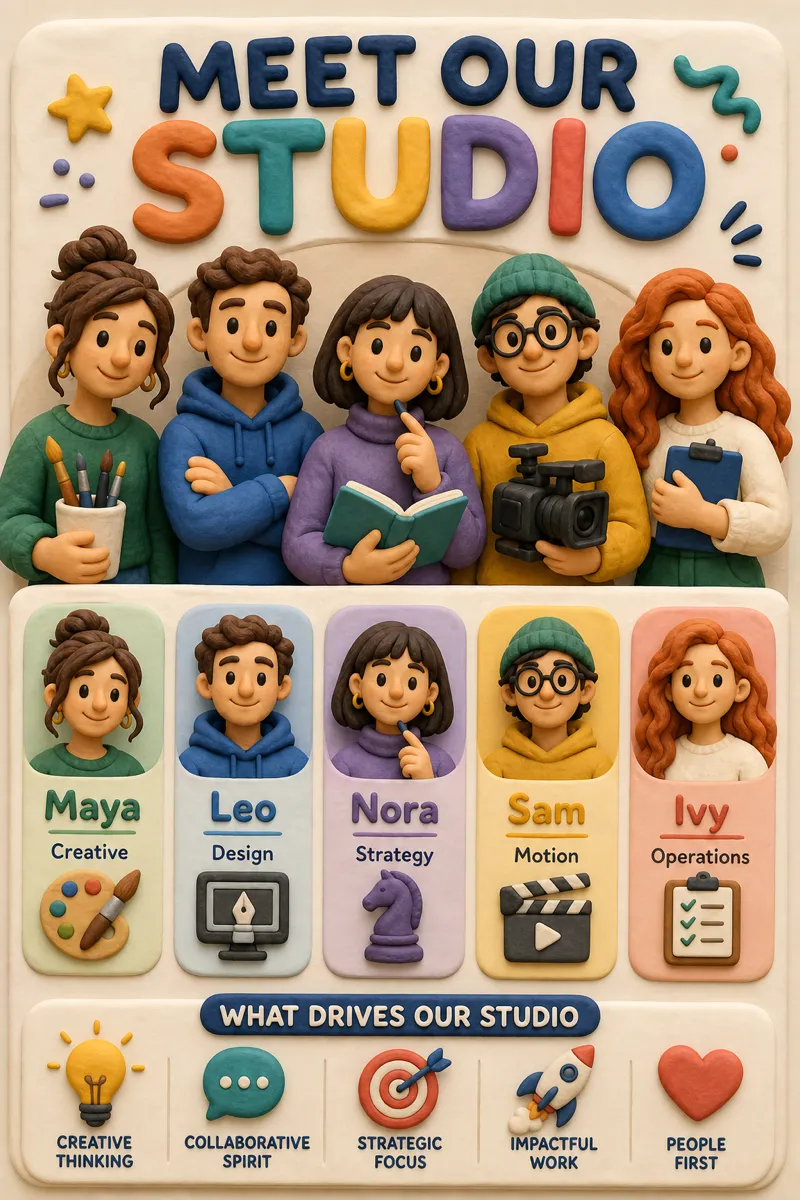
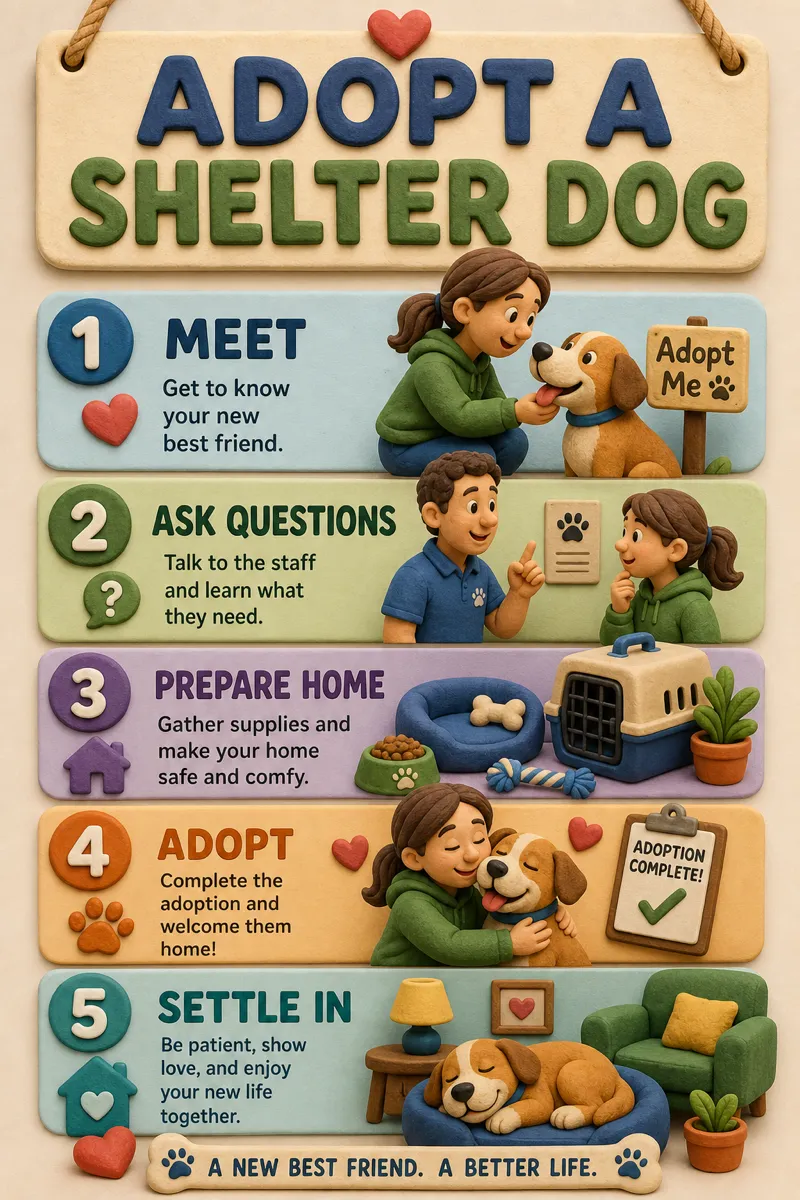
Made with this style

How it works
Start from a text prompt, choose the shape and style, and generate a complete infographic. Then ask for specific changes to the wording, colors, or layout until the result is ready to use.
- 01
Describe
Write what you want in plain language — the topic, the facts, the vibe.
- 02
Generate
Get a polished infographic in about a minute, in the aspect ratio you picked.
- 03
Refine
Change colors, wording, or layout with simple instructions — every version is kept.
What is a claymation infographic?
Claymation style renders every element as a rounded, plasticine-like 3D object under soft studio lighting, similar to a stop-motion film frame. It gives content a playful, tactile character that works well for kids' products, app icons and onboarding, food and lifestyle brands, and any explainer that benefits from feeling friendly rather than corporate. Consumer app makers, children's brands, and playful D2C products often choose it over flatter styles.
Describe the steps, comparison, or idea you want shown, and Infolustra models a complete claymation infographic in about 60 seconds, keeping the lighting and material consistent across every shape. If an object, color, or expression needs adjusting, send a follow-up instruction and the same scene updates. Move to another style whenever you like without losing your content.
Clay style reads best with simple, rounded objects and a handful of characters or icons — too many small details get lost once everything is rendered with soft, chunky volume. Warm, saturated colors suit the studio lighting more than muted tones. Compared with paper cutout, which stays flat and layered, claymation is fully three-dimensional and sculptural — pick clay when you want something that feels alive and playful, and paper cutout when you want a flatter, craft-paper feel.
Frequently asked questions
Make your first infographic
Describe an idea, generate it in about a minute, and refine it until it looks exactly right.