
Flat Infographics, Made in Seconds
Turn any prompt into a flat vector infographic — clean shapes, solid colors, plenty of white space — ready in about a minute.
Sign in, new accounts get 10 free credits.
Made with this style
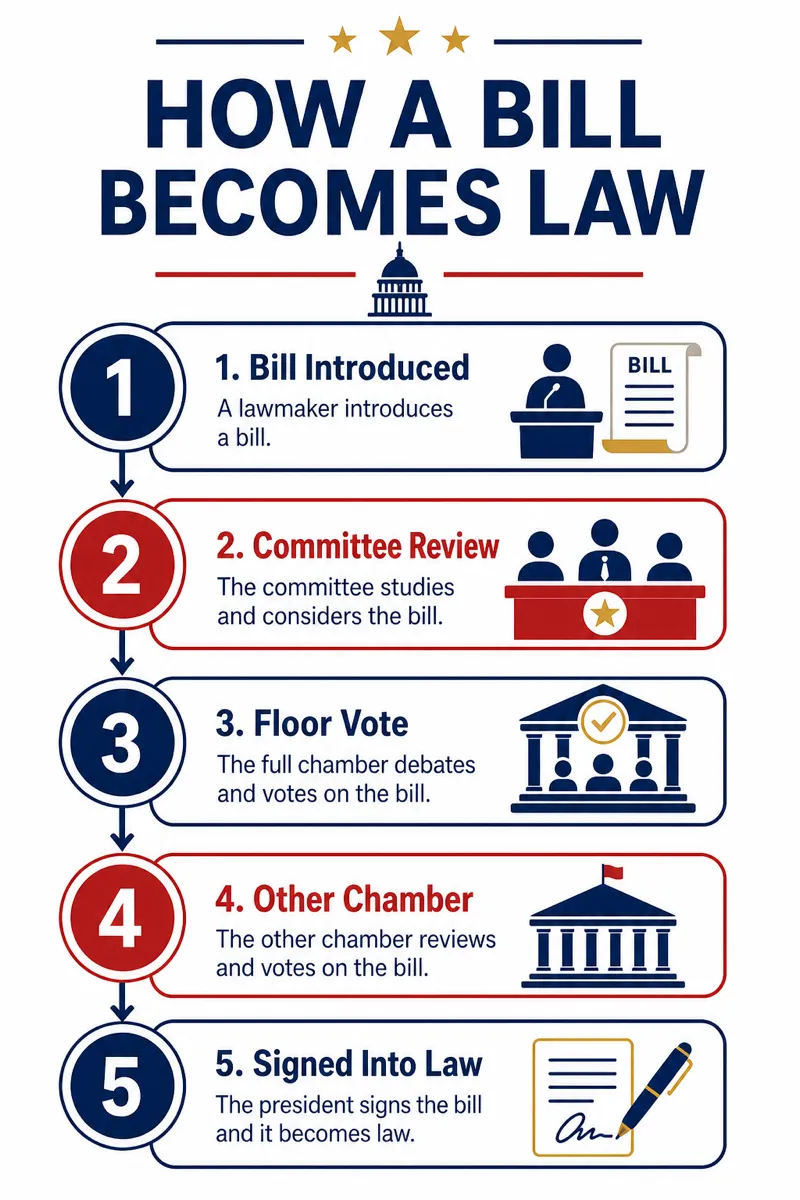
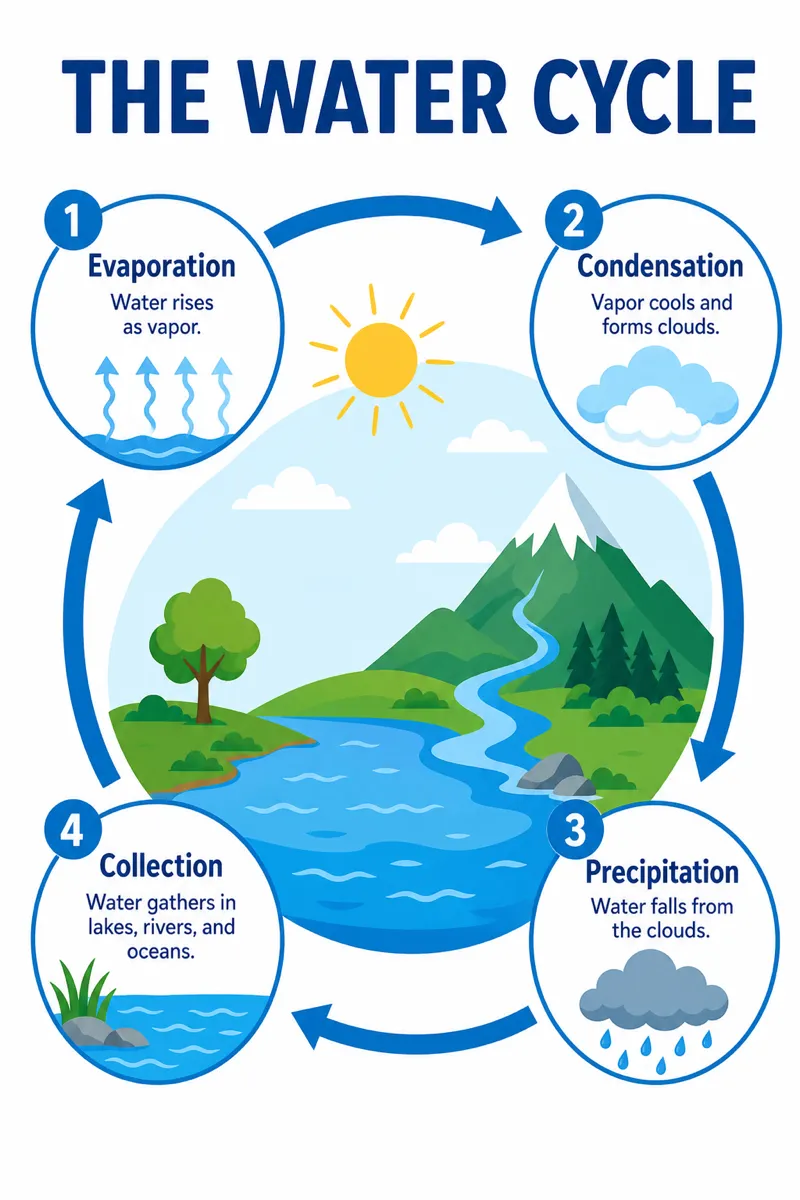

How it works
Start from a text prompt, choose the shape and style, and generate a complete infographic. Then ask for specific changes to the wording, colors, or layout until the result is ready to use.
- 01
Describe
Write what you want in plain language — the topic, the facts, the vibe.
- 02
Generate
Get a polished infographic in about a minute, in the aspect ratio you picked.
- 03
Refine
Change colors, wording, or layout with simple instructions — every version is kept.
What is a flat design infographic?
Flat design strips illustrations down to clean geometric shapes, solid color fills, and generous white space — no gradients, no drop shadows, no clutter. It reads well at small sizes, which makes it a common choice for product explainers, app onboarding screens, social carousels, and pitch decks. Marketers, indie founders, and educators use it when clarity matters more than decoration, and a chart needs to sit next to plain text without competing for attention.
Describe the data or idea in plain language — a process, a comparison, a timeline, a set of statistics — and Infolustra generates a complete flat-style infographic in about 60 seconds. If a color, icon, or layout is off, type a follow-up instruction like 'make the accent color orange' or 'add a fourth step' and the image updates without a fresh brief. Switch to any of the other 11 styles at any point without starting the project over.
For best results, keep the underlying idea simple: flat design rewards two or three clear categories rather than a dozen overlapping ones, since there's no shading to separate busy elements. Short labels and one accent color read better than long sentences and a rainbow palette. Compared with isometric, which adds 3D depth and perspective to the same shapes, flat stays intentionally flat — pick it when you want something that scans in two seconds, not something to admire.
Product marketers use flat infographics for onboarding steps and feature comparisons, while teachers use them for classroom processes and compact study guides. For a product launch, show three benefits with one icon each; for a lesson, reduce a cycle to five labeled stages. In your prompt, name the reading order and limit the palette to one accent plus neutrals. That keeps the simple shapes distinct without turning the page into a collection of unrelated symbols.
Frequently asked questions
Make your first infographic
Describe an idea, generate it in about a minute, and refine it until it looks exactly right.