
Infographics That Glow
Create a neon-style infographic — dark background, vivid glowing accent lines — from a text prompt in about a minute.
Sign in, new accounts get 10 free credits.
Made with this style
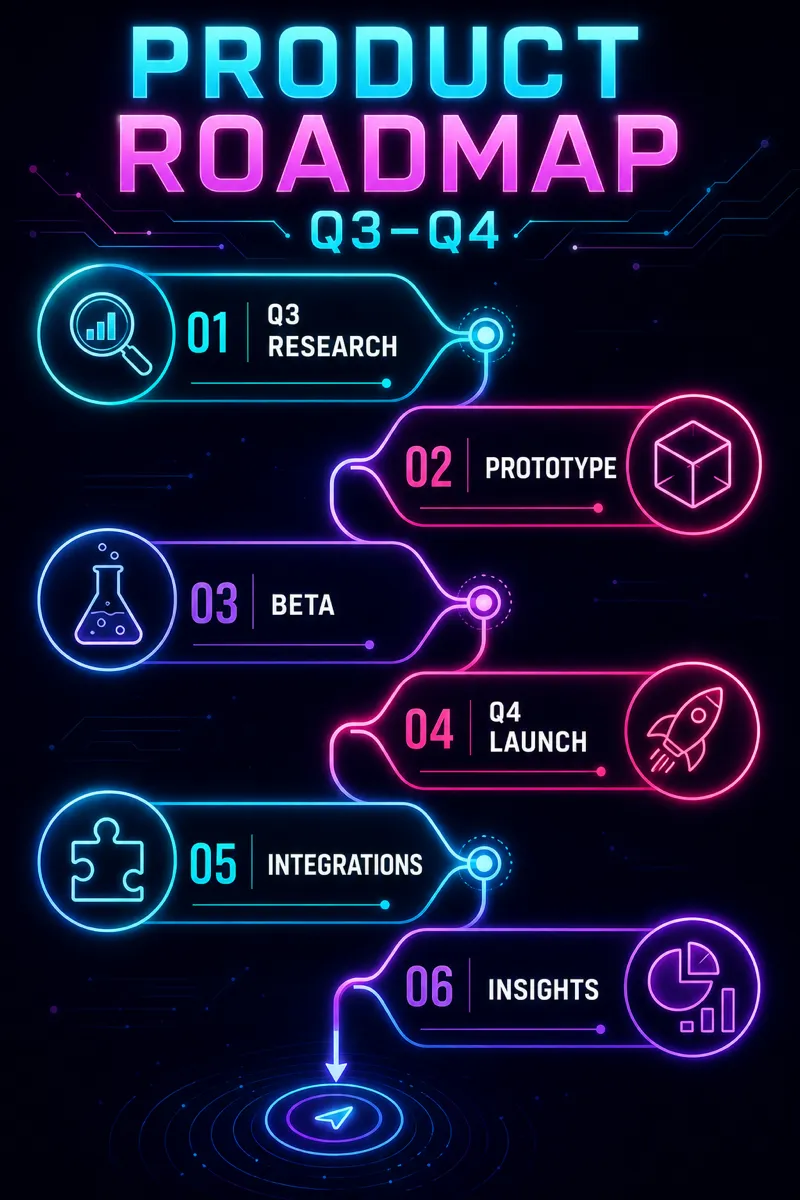
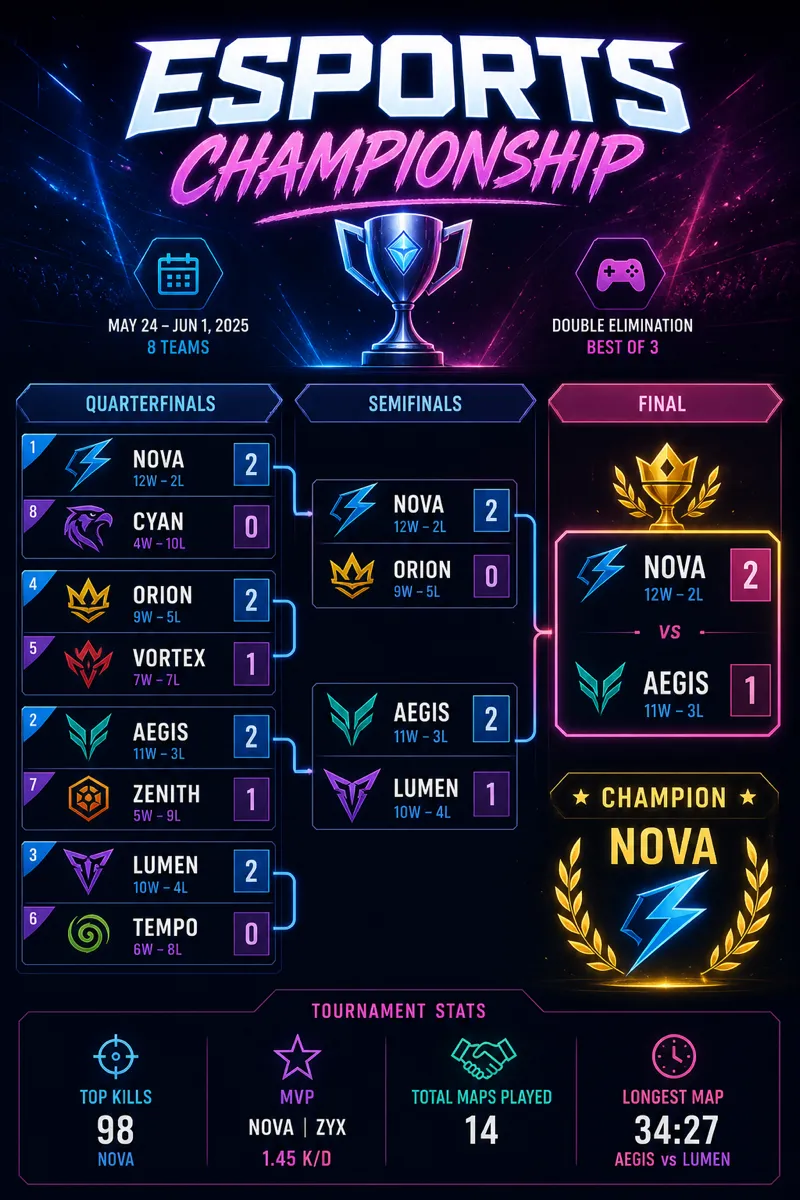

How it works
Start from a text prompt, choose the shape and style, and generate a complete infographic. Then ask for specific changes to the wording, colors, or layout until the result is ready to use.
- 01
Describe
Write what you want in plain language — the topic, the facts, the vibe.
- 02
Generate
Get a polished infographic in about a minute, in the aspect ratio you picked.
- 03
Refine
Change colors, wording, or layout with simple instructions — every version is kept.
What is a neon infographic?
Neon style places vivid, glowing accent lines and edges against a dark background, giving content a high-energy, modern feel closer to a nightlife poster or a tech product launch than a business report. It suits gaming and esports content, music and event promotion, tech and crypto announcements, and any brand aiming for a bold, attention-grabbing look on social media. Creators, event promoters, and tech brands targeting a younger audience use it when standing out matters more than looking conservative.
Describe the announcement, stat, or comparison you want to visualize, and Infolustra generates a complete neon infographic in about 60 seconds, keeping the glow consistent across every line and edge. If the color, glow intensity, or layout needs changing, send a follow-up instruction and the same graphic updates. Switch to a different style at any time if the content needs a calmer look instead.
Neon style works best with a small number of bold elements — too many glowing lines competing for attention cancels the effect, the way a sign with too many colors becomes noise instead of a focal point. Pick one or two neon accent colors and let the dark background do the rest. Compared with chalkboard, which also uses a dark background but with soft, matte chalk textures, neon is sharp and digital — use neon for impact, chalkboard for warmth.
Frequently asked questions
Make your first infographic
Describe an idea, generate it in about a minute, and refine it until it looks exactly right.