
Infographics Built From Paper
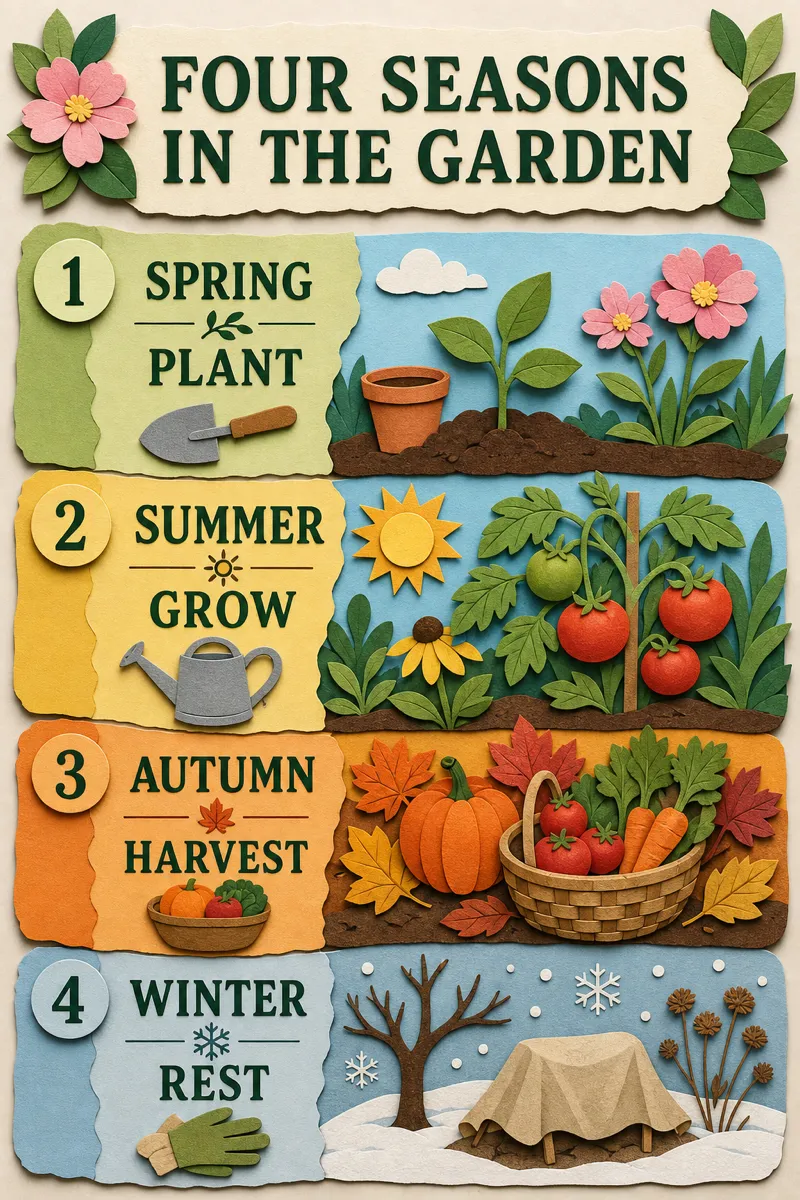
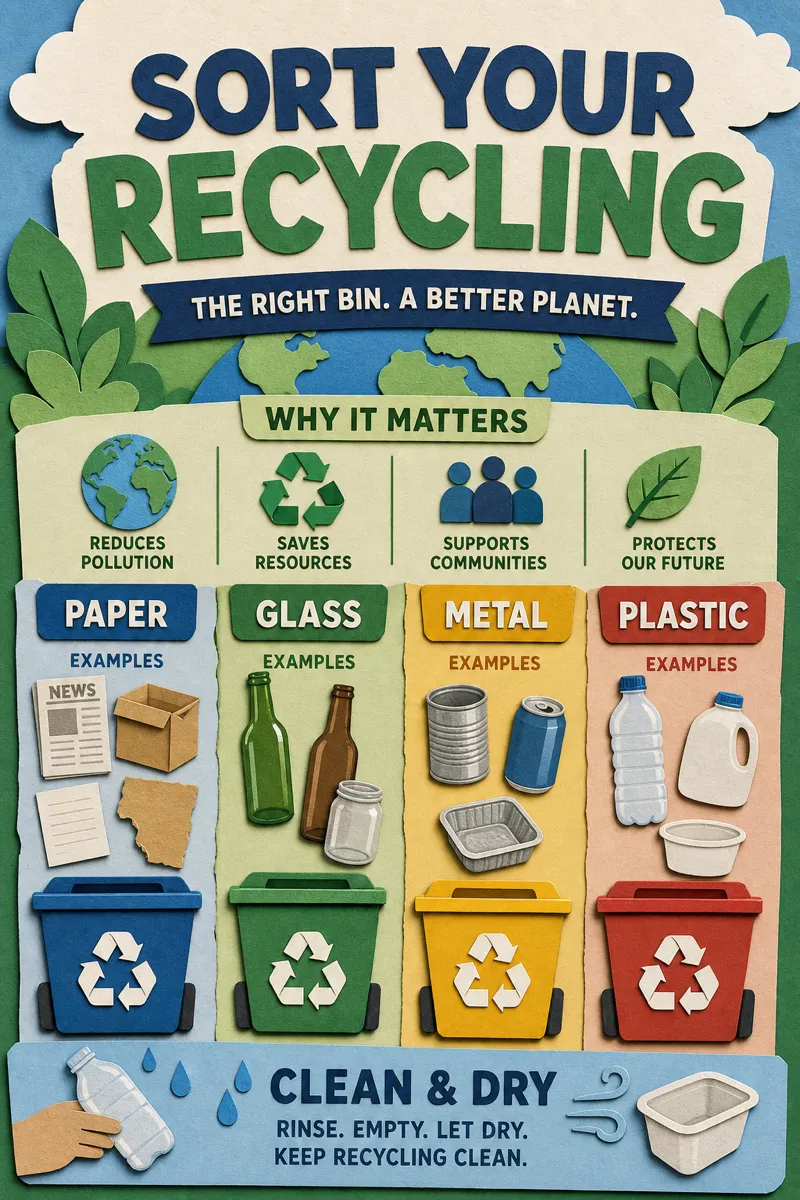
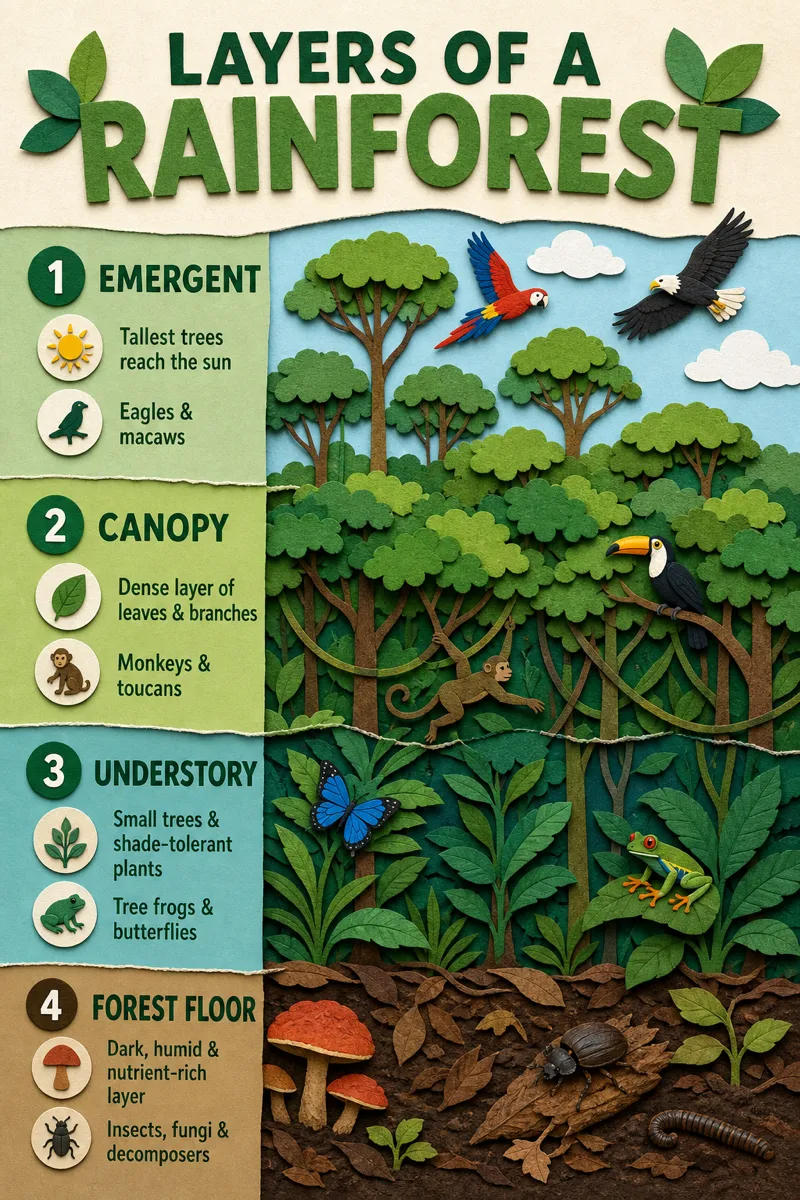
Generate a paper cutout infographic — layered construction paper shapes with soft drop shadows — from a prompt in about a minute.
Sign in, new accounts get 10 free credits.
Made with this style
How it works
Start from a text prompt, choose the shape and style, and generate a complete infographic. Then ask for specific changes to the wording, colors, or layout until the result is ready to use.
- 01
Describe
Write what you want in plain language — the topic, the facts, the vibe.
- 02
Generate
Get a polished infographic in about a minute, in the aspect ratio you picked.
- 03
Refine
Change colors, wording, or layout with simple instructions — every version is kept.
What is a paper cutout infographic?
Paper cutout style builds each element as a layered piece of construction paper, complete with subtle drop shadows that suggest real depth between layers. It gives content a tactile, craft-like feel that suits kids' education material, community and nonprofit content, playful product explainers, and seasonal or holiday campaigns. Teachers, children's brands, nonprofits, and marketers looking for something warmer than flat design tend to pick it.
Describe the idea, story, or steps you want shown, and Infolustra assembles a full paper cutout infographic in about 60 seconds, layering shapes with shadows so each piece looks physically stacked. If a layer, color, or shape needs changing, send a follow-up instruction and the same composition updates. You can switch to a different style at any point and keep your existing content.
This style works best with a small number of bold, chunky shapes rather than fine detail — real paper cutouts can't hold thin lines or tiny text, and this style looks best when it respects that limit. Layering two or three paper colors per element adds depth without looking busy. Compared with clay, which is fully rendered 3D with rounded volume, papercut stays flat-but-layered — pick papercut for a homemade feel, clay for something more sculptural.
Frequently asked questions
Make your first infographic
Describe an idea, generate it in about a minute, and refine it until it looks exactly right.