
Infographics Drawn in Chalk
Turn a prompt into a chalkboard-style infographic — white and pastel chalk marks on a dark board — ready in about a minute.
Sign in, new accounts get 10 free credits.
Made with this style
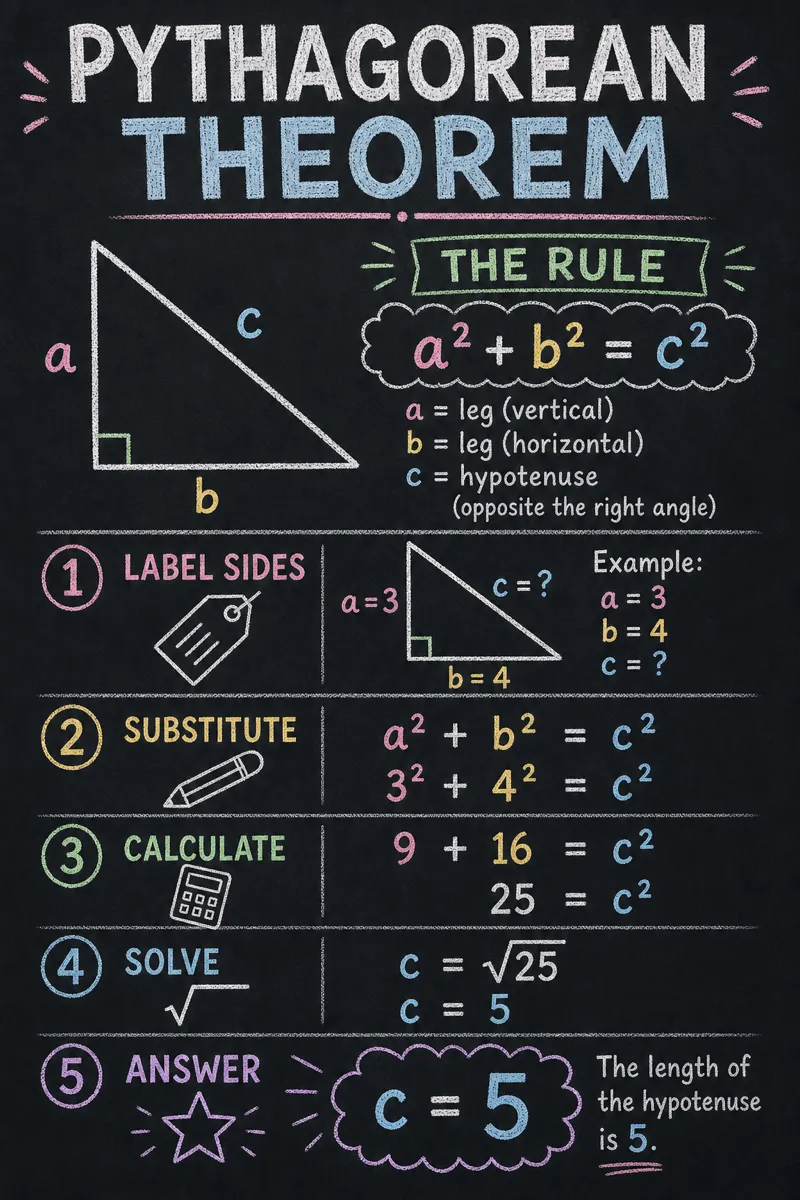
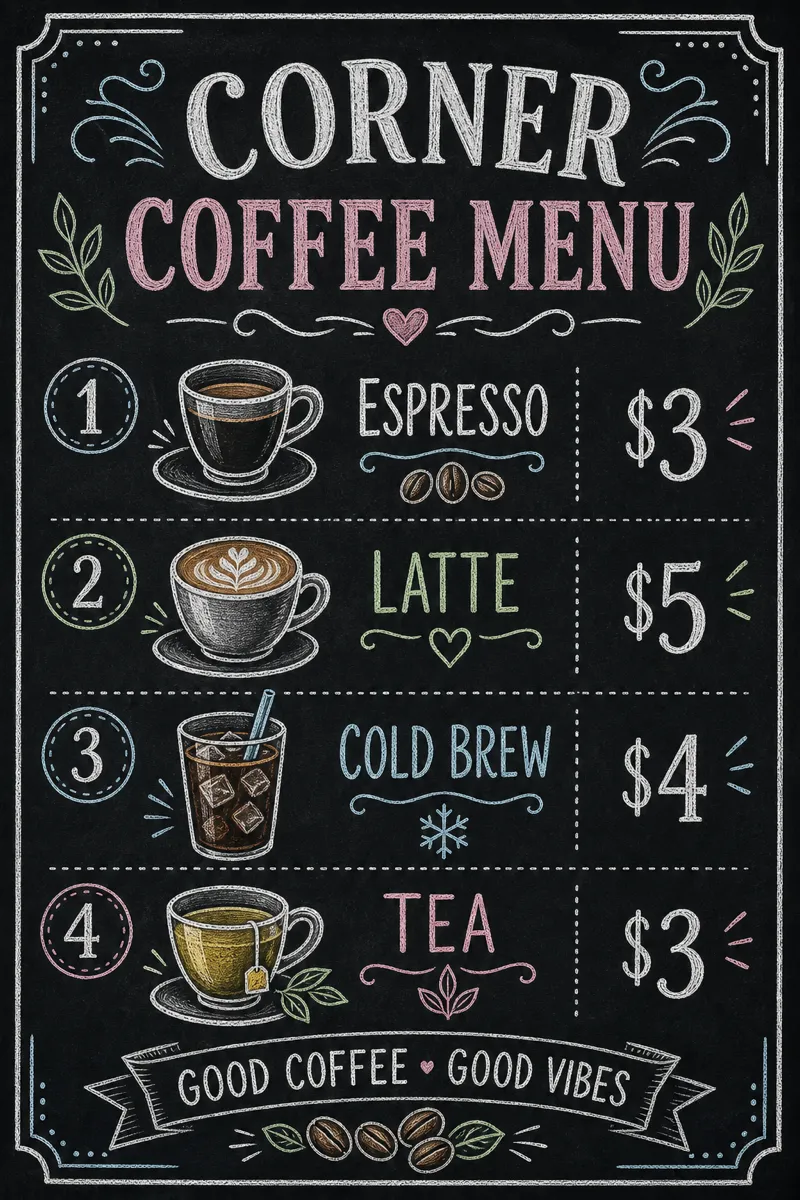
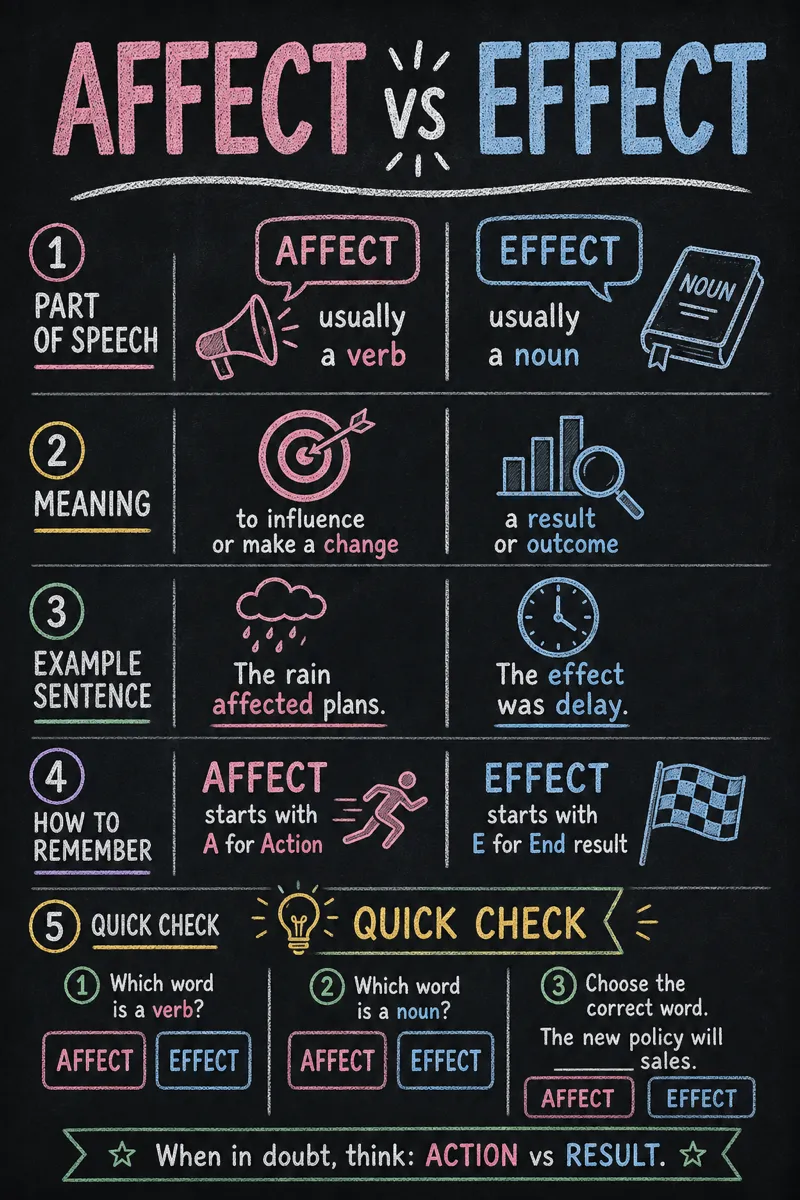
How it works
Start from a text prompt, choose the shape and style, and generate a complete infographic. Then ask for specific changes to the wording, colors, or layout until the result is ready to use.
- 01
Describe
Write what you want in plain language — the topic, the facts, the vibe.
- 02
Generate
Get a polished infographic in about a minute, in the aspect ratio you picked.
- 03
Refine
Change colors, wording, or layout with simple instructions — every version is kept.
What is a chalkboard infographic?
Chalkboard style draws infographics in white and pastel chalk on a dark background, evoking a classroom board or a café menu sign. It suits teaching materials, recipe and menu graphics, event announcements, and any content that benefits from a warm, informal, slightly nostalgic feel rather than a polished corporate look. Teachers, tutoring businesses, cafes and restaurants, and event organizers reach for it when they want content that feels hand-made and welcoming.
Describe the lesson, recipe, schedule, or list you want turned into a graphic, and Infolustra generates a complete chalkboard infographic in about 60 seconds. If you want a different chalk color, a bigger title, or an added illustration in the corner, send a follow-up instruction and the same board updates. You can move to a different style at any time without redoing the content.
Chalkboard style reads best with short, punchy text and a handful of simple icons — chalk lines get harder to read once the board feels crowded, just like a real one. Pastel accents against the dark background carry more visual weight than on a white page, so save them for the one thing you want noticed first. Compared with neon, which also uses a dark background, chalkboard feels warm and hand-drawn while neon feels sharp and digital.
Frequently asked questions
Make your first infographic
Describe an idea, generate it in about a minute, and refine it until it looks exactly right.